Apple Pay is currently only offered through a Nedbank merchant account, therefore if a merchant is transacting through a different acquirer we will need to add a Nedbank MA to provide them with Apple Pay.
Actioning the above can cause sync errors from the Console to the BIP, which then need to be addressed by the product team.
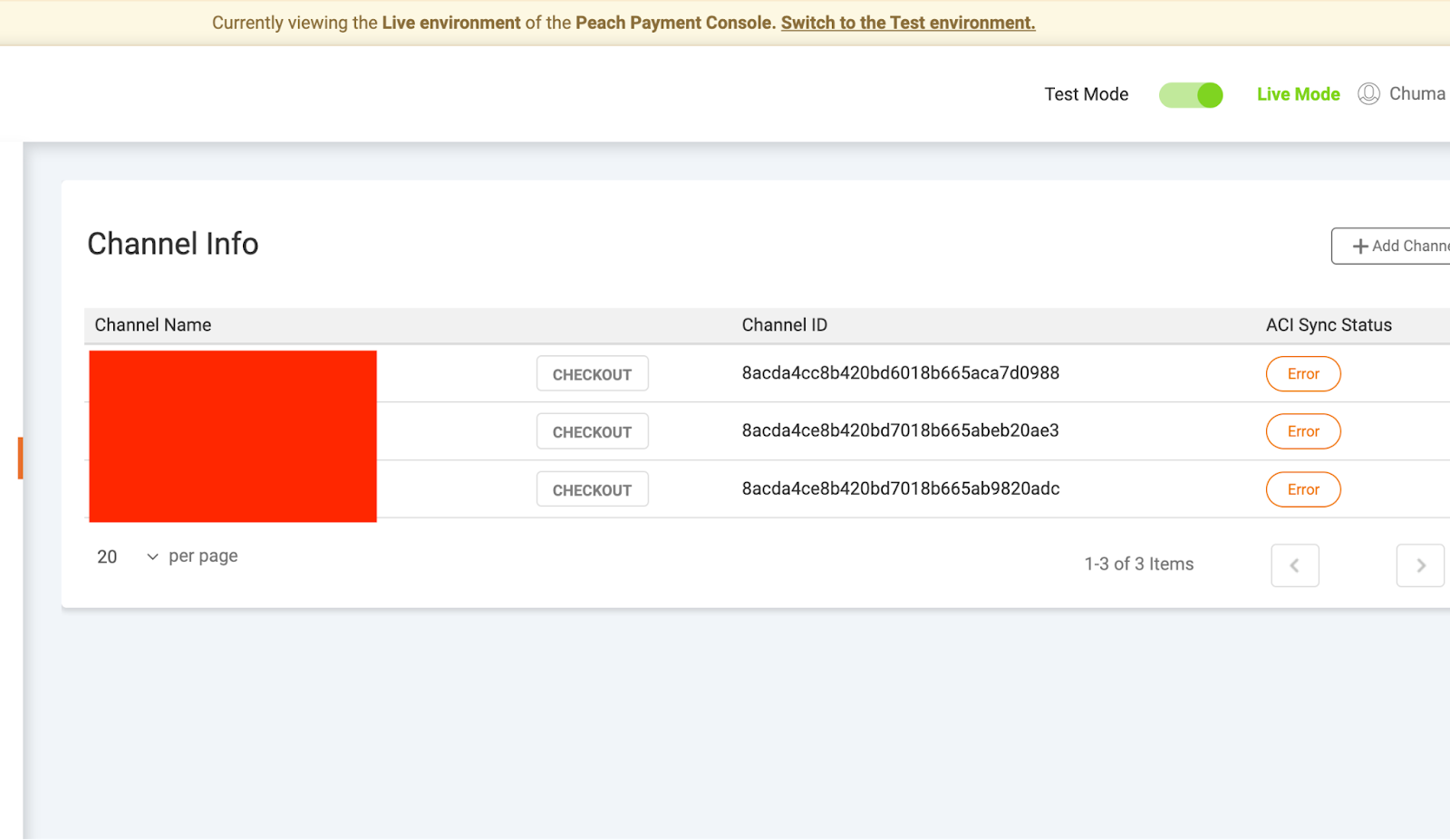
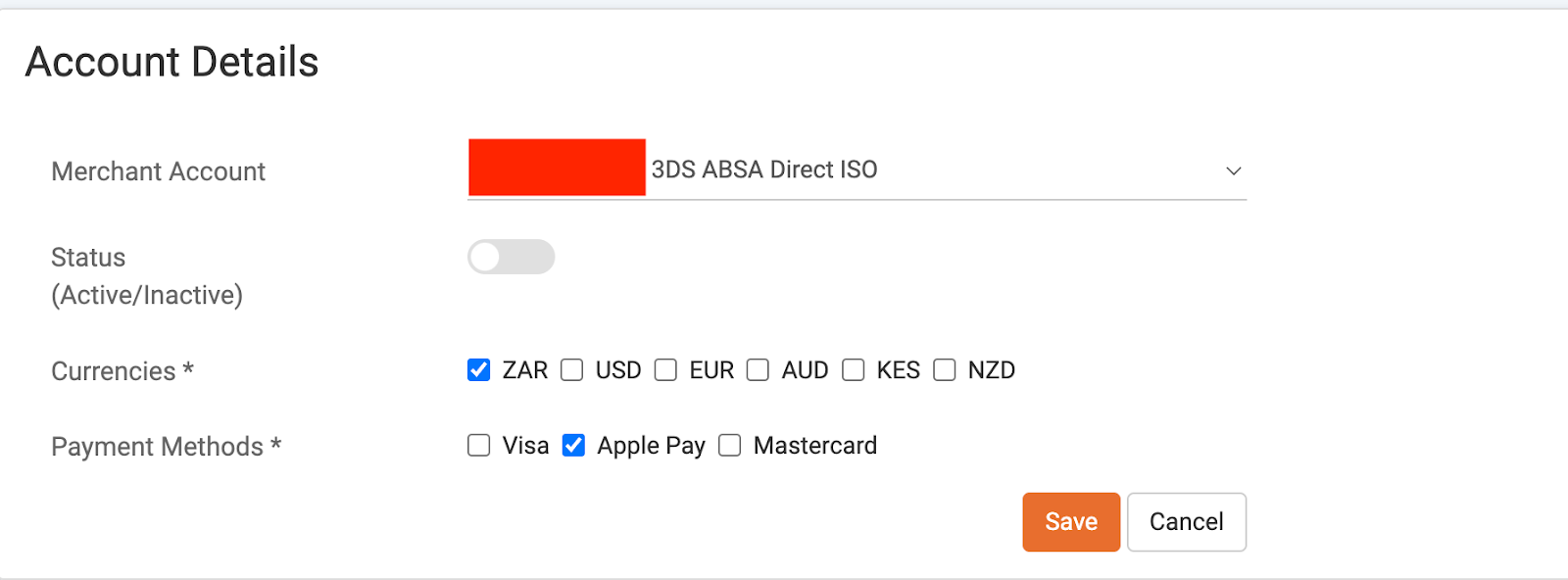
To avoid this we can do a workaround where we first in the console attach Apple Pay to the channel using the existing merchant account that they are using for VISA/Mastercard. This will then successfully sync to the BIP.
Adding Apple Pay using the existing (non-Nedbank) merchant account.
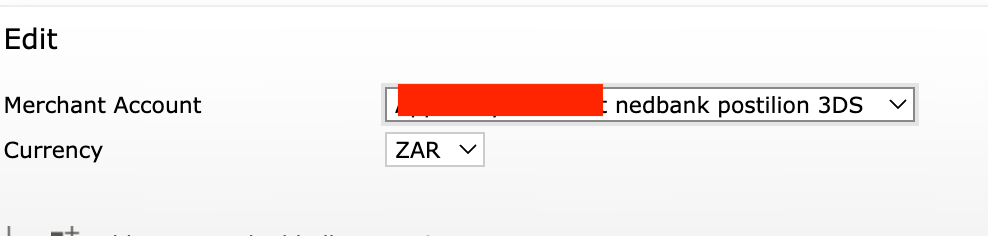
We can set up a Nedbank acquiring account for the merchant and from there we can navigate to the BIP and update the acquirer to their Nedbank Merchant Account.
In the BIP once this has synced, change the MA to the Nedbank account.
Was this article helpful?
That’s Great!
Thank you for your feedback
Sorry! We couldn't be helpful
Thank you for your feedback
Feedback sent
We appreciate your effort and will try to fix the article
Still can't find what you're looking for?
Our support team is here to help you with any questions.
Submit a Ticket